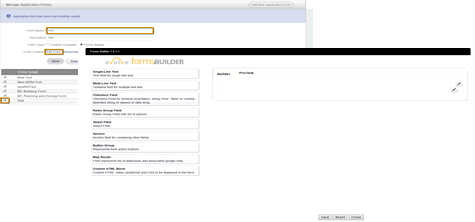
1. Navigate to the Manage Application Forms page.
2. Locate the form to build in the forms list.
3. Click
the  button next to the form.
The form name will display in the Form
Name*
field.
button next to the form.
The form name will display in the Form
Name*
field.
4. Click the FormsBuilder radio button next to the Form Type* field.
5. Click the Edit Form link. The FormsBuilder page will display.
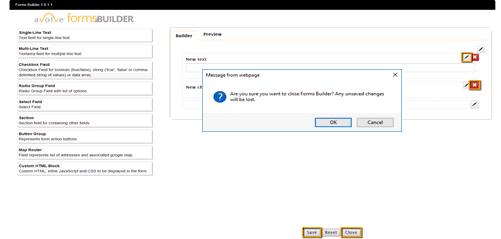
 If the form is active,
a dialog box will display, Click OK if you would like to continue.
If the form is active,
a dialog box will display, Click OK if you would like to continue.
6. Adjust
the form by dragging
and dropping in new fields,
clicking the  button to edit existing fields or clicking
the
button to edit existing fields or clicking
the  button
to delete the fields.
button
to delete the fields.
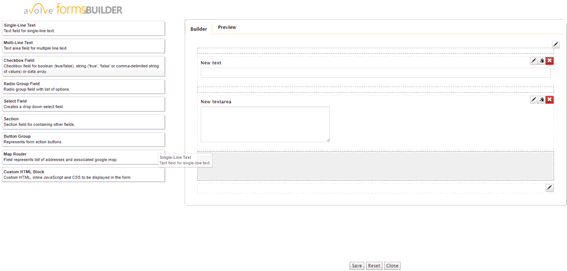
 To clear your
form at any time, click the
To clear your
form at any time, click the  button.
7. When the form is complete, click
the  button
to save the form.
button
to save the form.
8. Click
the  button to finalize the
form. A validation message will display.
button to finalize the
form. A validation message will display.
9. Click  or
or  . Your
form will be edited and the Manage Applications Forms page will display.
. Your
form will be edited and the Manage Applications Forms page will display.